Turn Your Bottle Cap Collection Into Mosaic Art
Create beautiful bottle cap mosaics with specialized software designed for digital artwork and real-world physical assembly.
One subscription includes both versions — see pricing.
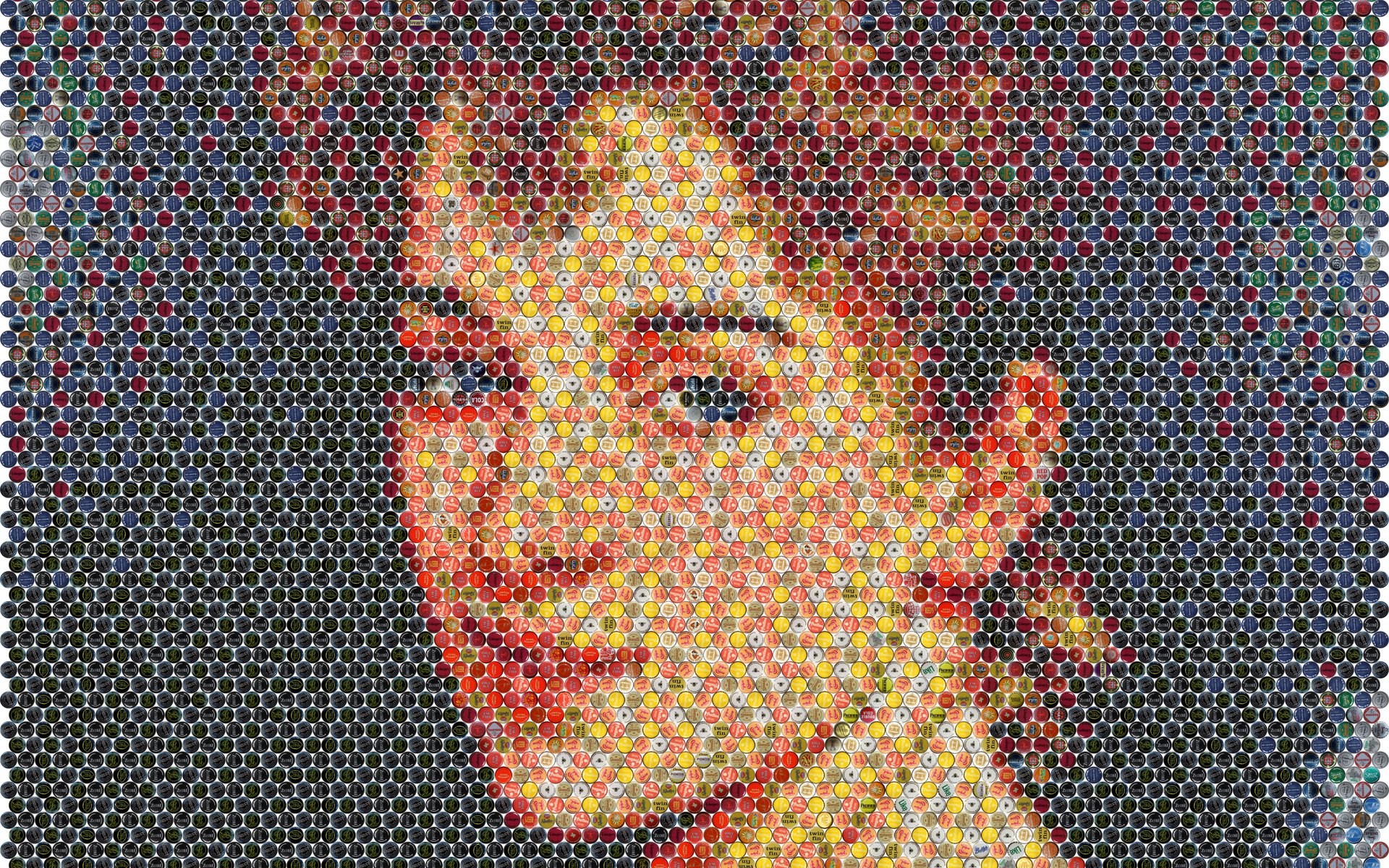
One subscription, two specialized tools
Design printable artwork in your browser, or plan a real mosaic from the caps you actually own.
Online Version
Create bottle cap mosaic artwork directly in your browser. Ideal for digital design, image adjustment, and poster printing.
- Runs in your web browser — nothing to install; guest mode available
- Cap color adjustment for closer photo resemblance
- Automatic Cap Rotation plus overall repeat control
- Workplan generation and print-ready artwork for posters
Standalone Version
Plan real bottle cap mosaics with individual cap quantity limits, automatic rotation, and a Workplan for assembly.
- Cap Inventory — per-design quantity limits
- Automatic Cap Rotation
- Workplan generation for physical assembly
- Preview shows the true appearance of your caps
Designed for real bottle caps
A bottle cap mosaic is not an ordinary photo mosaic. Cap Mosaic Maker is built around the realities of physical caps.
Every cap is unique
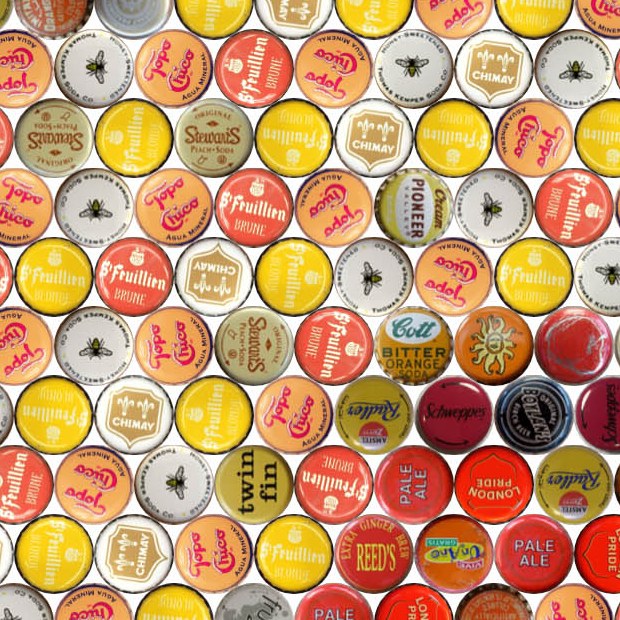
Each cap carries its own artwork, color, and texture. The software treats caps as individual tiles, not interchangeable colored dots.
Quantities are limited
Some cap designs exist in your collection by the dozen, others only once or twice. Planning must respect what you actually have.
Orientation matters
Caps have curvature and directional highlights. Rotating a cap changes how its shading contributes to the image.
Assembly needs a plan
Placing thousands of caps by hand requires an accurate, position-by-position Workplan — not guesswork.
From photo to mosaic in four steps
Choose an image
Start from a photo or artwork you want to recreate as a cap mosaic.
Select your cap collection
Work with a digital cap library — and in the Standalone Version, the quantities you actually own.
Generate and refine
Adjust pattern, sizing, repetition, and color until the mosaic looks right.
Print or assemble
Print your digital artwork as a poster, or follow the Workplan to build the physical mosaic.
The digital workflow lives in the Online Version; physical assembly planning lives in the Standalone Version.
Optimized for print — or for the caps on your table
A digital mosaic is optimized for appearance: cap images can be color-adjusted so the result resembles your photo as closely as possible, ready for poster printing.
A physical mosaic plan is optimized for reality: it uses only the caps and quantities in your Cap Inventory, disables color adjustment so the preview matches the real caps, and produces a Workplan for assembly.
From screen to wall — and cap
EzMosaic offers printing services that are separate from the software subscription.
Poster Printing
Turn your finished digital mosaic into a printed poster, produced from your high-resolution render.
Replica Cap Printing
Print replica caps so designs you are missing — or designs that exist only digitally — can still take part in a physical mosaic.
See what caps can become
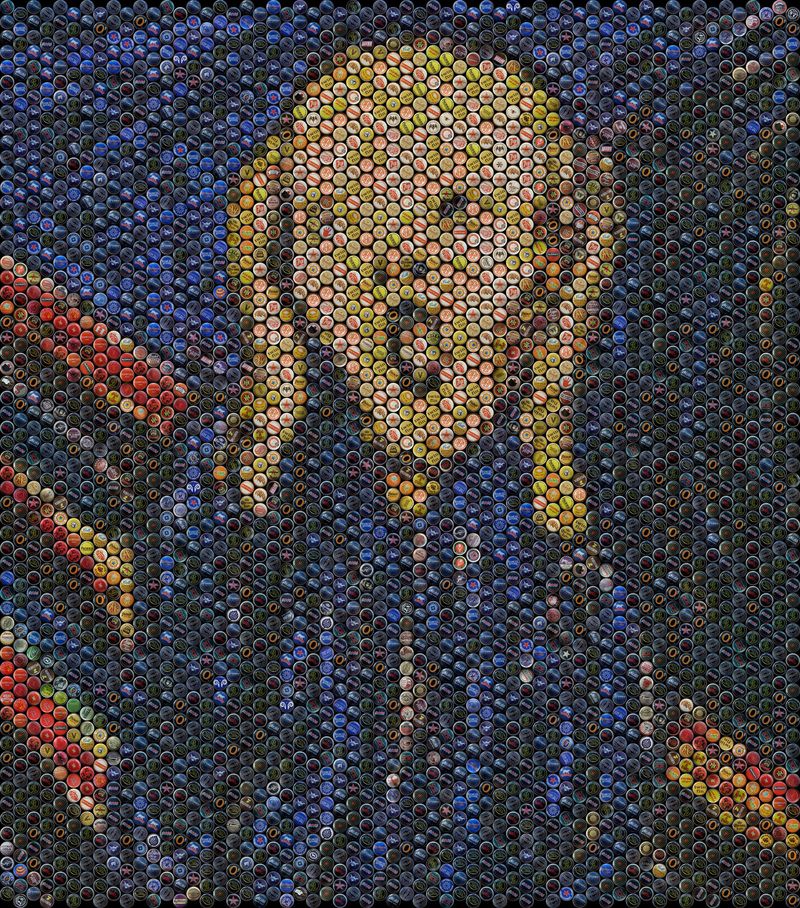
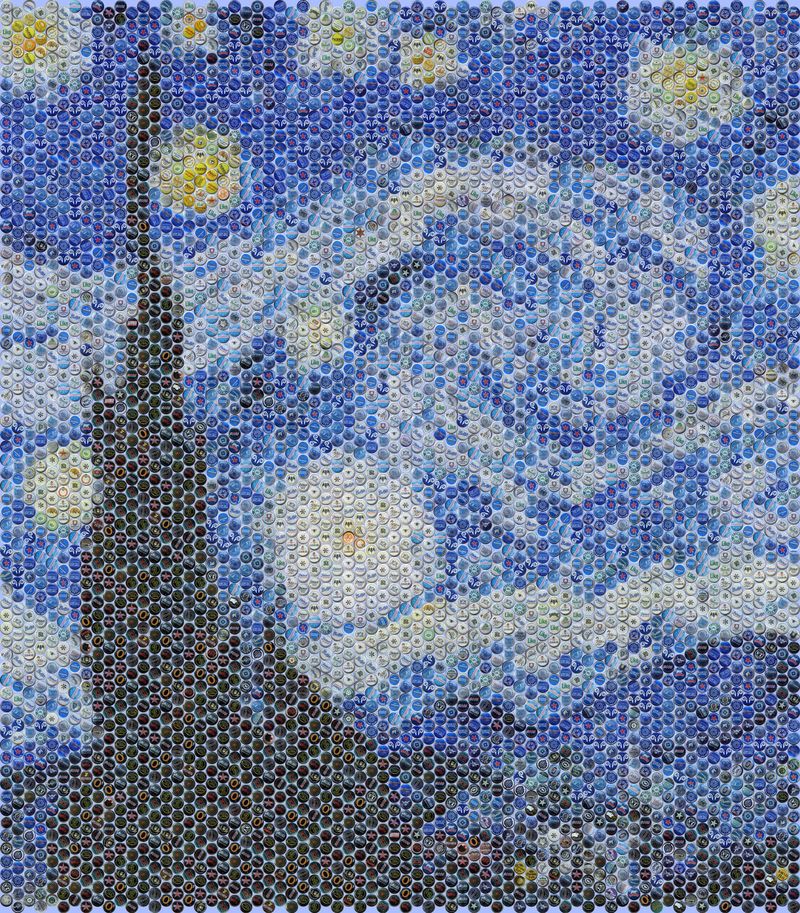
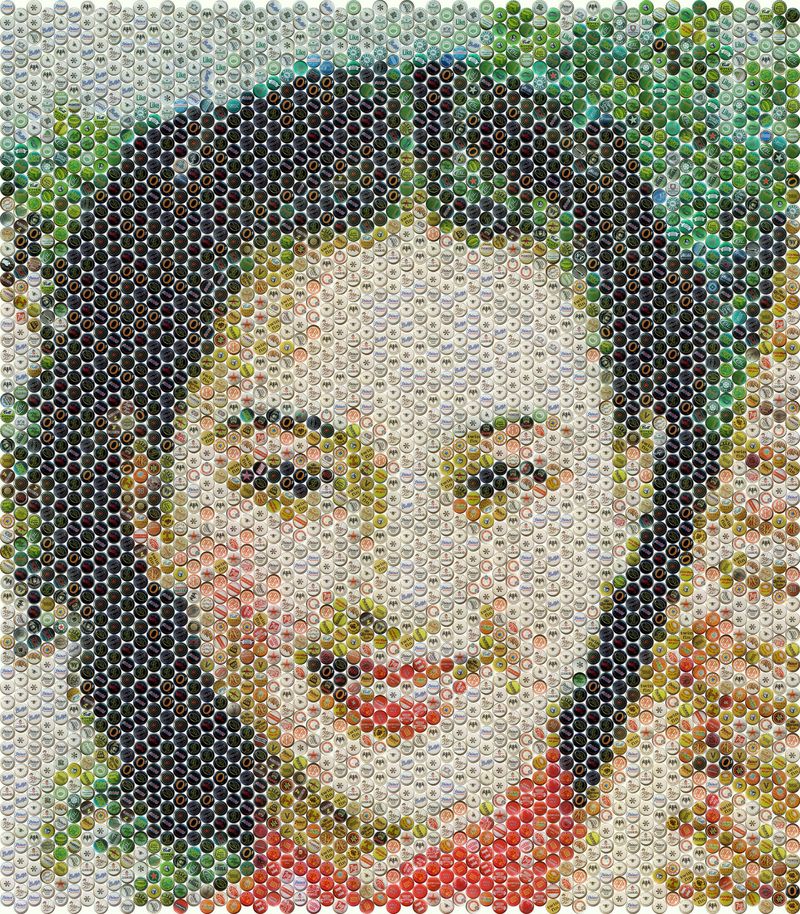
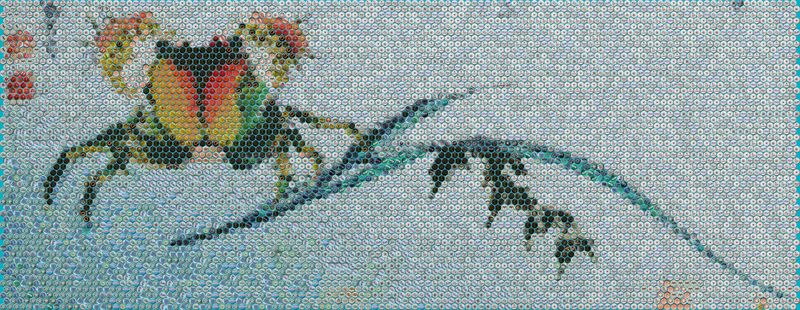
Example mosaics rendered with Cap Mosaic Maker.
Common questions
What is a bottle cap mosaic?
A picture built from bottle caps. Each cap acts as a single mosaic tile — its artwork, color, and texture combine with hundreds or thousands of other caps to form the overall image.
Do I need to own bottle caps?
No. You can create digital cap mosaic artwork and printable posters without owning physical caps. You only need a real collection when you want to assemble a physical mosaic.
What is the difference between Online and Standalone?
The Online Version runs in your browser and focuses on digital artwork and poster printing. The Standalone Version plans physical mosaics with individual Cap Inventory limits, Automatic Cap Rotation, and a Workplan. See the full comparison.
Can I limit the number of each cap design?
Yes — in the Standalone Version, Cap Inventory sets per-design quantity limits. The Online Version provides an overall repeat limit instead of per-design inventory.
What is a Workplan?
The assembly guide generated by Cap Mosaic Maker — available in both versions. It shows which cap goes where, so placing thousands of caps stays manageable. Learn more about the Workplan.
Can I print my finished mosaic?
Yes. Both versions produce printable artwork, and EzMosaic offers Poster Printing as a separate service. About printing services.
Ready to Create Your Own Bottle Cap Mosaic?
Open the Online Version in your browser, or explore the Standalone Version for physical mosaic planning.
Help Us Make Cap Mosaic Maker Better
Found a bug or have an idea? Email support@ezmosaic.com — we read every message.